
How to Choose Wireless Earbuds
Introduction
The market’s flooded with true wireless earbuds – a dizzying array from luxury-price down to phone-freebie. Calling any single pair the best wireless earbuds is a stretch; some claims hold up, others totally crumble.
This guide cuts through the hype. We’ll separate what actually matters for you from what marketing insists you want. Because the right wireless earbuds just disappear into your routine: they’re comfy, sound good to you, and don’t wreck your budget.
It comes down to personal fit, not specs on a box. Your ears, your habits, your cash – that’s what decides.
TL;DR
Forget price for a second. Fit is king. Uncomfortable or loose earbuds are a waste of money, full stop.
On battery life wireless earbuds, aim for at least six hours per charge. With the case, 24 hours total keeps you going.
Noise cancelling earbuds (ANC) are a game-changer for trains and planes. They cost more, but the silence is worth it if you commute.
Sweat or rain? Get waterproof earbuds with an IPX rating of IPX4 or higher. It’s basic protection.
Sound quality isn’t just about driver size. It hinges on the codecs (like AAC, aptX, or LDAC) your phone supports and how the audio is tuned. A good fit also massively changes what you hear.
A wireless charging case and multi-point connectivity are convenient, but you can live without them.
Don’t skip the companion app. It’s where you tweak the EQ, remap controls, and get firmware updates. That’s how you make them truly yours.
Define Your Needs & Lifestyle
Start by being real: where will these buds live? Your scene dictates everything.
Commuters? Top-tier ANC and crystal call clarity are non-negotiable. Background noise isn’t just annoying – it frays your nerves.
Athletes require a locked-in fit. Sweat happens, so a high IPX rating is essential. Look for fins or hooks; standard tips often fail mid-sprint.
Gamers must hunt for a dedicated low-latency mode. Generic Bluetooth audio creates a frustrating lag between action and sound – it breaks immersion.
Forget generic comfort. You need a headset that disappears on your head during those marathon budget reviews. Critically, the mic must isolate your speech from the relentless tap-tap-tap of mechanical keys. Your real advantage? Battery life that easily handles back-to-back calls and seamless pairing that just works, every time, without those glitchy moments before a big presentation.
The Ecosystem Question: Apple, Android, or Neutral?
If you’re deep in Apple land, AirPods integrate seamlessly but limit you. Android users get more freedom with codec support like aptX. Going neutral (Sony, Jabra, Anker) keeps doors open if you switch phones later.
Setting Your Budget: From Budget Gems to Premium Powerhouses
| Price Range | What You Get | Sweet Spot Brands |
| Under $50 | Basic sound, inconsistent fit, meh battery | Anker Soundcore, JLab |
| $50-$150 | Solid ANC, good battery, reliable build | Nothing, Beats, Samsung |
| $150-$300 | Top-tier ANC, premium sound, all features | Sony, Bose, Apple, Sennheiser |
| $300+ | Audiophile tuning, luxury materials, bragging rights | B&O, Master & Dynamic |
2. The Foundation: Fit, Comfort & Design
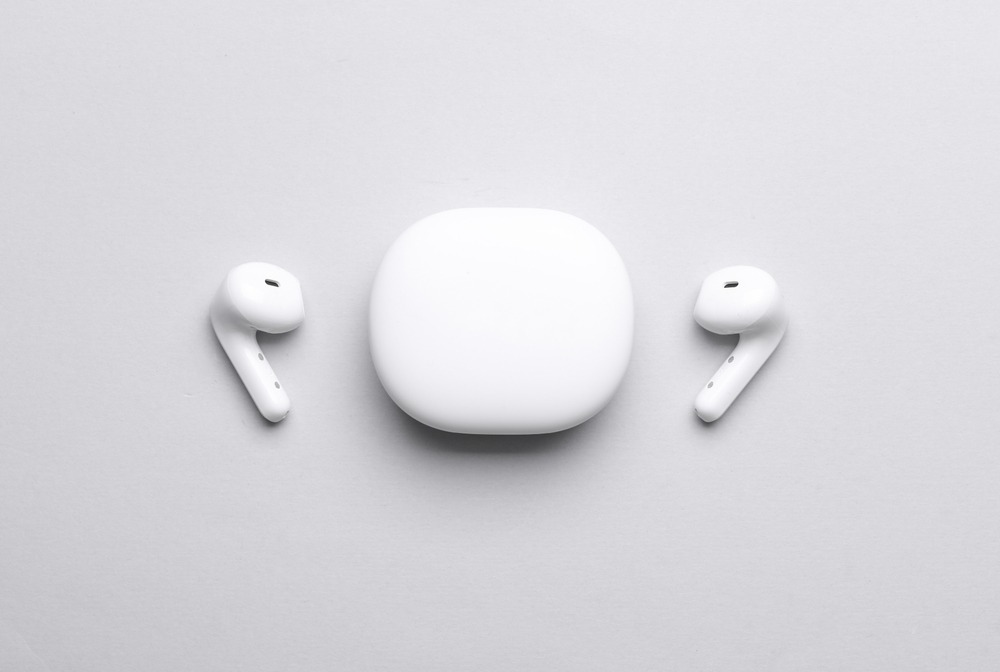
Ear Tip Anatomy: Silicone, Foam, and Winged Designs
Ear tip sizes make or break comfort. Most brands include S/M/L silicone tips. Foam conforms better but wears out faster. Wings or fins add stability for workouts.
Pro move: Buy third-party tips (Comply, SpinFit) if stock options suck.
IP Ratings Decoded: What Does Waterproof and Sweat-Resistant Really Mean?
- IPX4: Light splashes, sweat. Good enough for gym.
- IPX5: Water jets, heavy rain. Solid for runners.
- IPX7: Submersion up to 1 meter. Overkill unless you shower with them.
Finding the Right Fit for Your Ear Shape (Including Small/Large Ears)
Small ears? Look for compact buds (Galaxy Buds2, Beats Fit Pro). Big ears? Most flagships work. Weird-shaped ears? Try before you buy, or pick brands with generous return policies.
3. Sound & Audio Performance
Driver Size and Type: Not the Only Story
Bigger drivers don’t automatically mean better sound. A tuned 6mm driver can smoke a poorly tuned 12mm one. Dynamic drivers are standard. Some mix in balanced armatures or planar tech. Cool, but not necessary.
Tuning the Sound: EQ Apps and Sound Signatures (Bass-Heavy, Balanced, V-Shaped)
Sound signature matters:
- Bass-heavy: Beats, Skullcandy (fun, but muddy).
- Balanced: Sennheiser, Apple (accurate, boring to some).
- V-shaped: Sony, JBL (boosted bass + treble).
Companion apps often include EQ. Use them.
Understanding Bluetooth Audio Codecs: SBC, AAC, aptX, and LDAC
Bluetooth codecs affect quality:
- SBC: Universal but basic.
- AAC: Apple’s pick, solid on iPhones.
- aptX/aptX HD: Android-friendly, better quality.
- LDAC: Sony’s high-res option, requires compatible device.
If you’re not an audiophile, AAC is fine.
4. Noise Control: Silence or Awareness?
Active Noise Cancellation (ANC) Explained: How It Works
ANC uses mics to detect external noise, then generates opposite sound waves to cancel it. Works best on constant droning (planes, AC). Struggles with sudden sounds (barking dogs, screaming toddlers).
Transparency/Ambient Mode: Hearing Your Surroundings
Transparency/Ambient Mode intentionally bleeds outside sound into your audio. It lets you catch a barista’s call or oncoming traffic – critical for street safety or basic chat. You keep the buds sealed, so the music pauses, but the world doesn’t vanish. This isn’t just a feature; it’s a pragmatic bridge between your audio and actual surroundings.
Passive Noise Isolation: The Role of a Good Seal
Even without ANC, a tight seal blocks tons of noise. If your tips don’t seal properly, ANC becomes pointless.
5. Battery Life & Charging
Case is King: Total Playtime with the Charging Case
Single-charge battery life matters less than total battery life wireless earbuds deliver with the case. Aim for:
- 6+ hours per charge (buds alone).
- 24-30 hours total (with case).
Fast Charge & Wireless Charging: Modern Conveniences
Fast charge gives 1-2 hours playback from a 10-minute charge. Handy when you forget to juice up. Wireless charging case support means plop and charge – no cable fumbling.
Real-World vs. Manufacturer Claims: What to Expect
Cut advertised numbers by 20-30%. ANC, high volume, and calls drain batteries faster than marketing admits.
6. Controls, Connectivity & Smart Features
Touch vs. Physical Controls: Which is Better?
- Touch: Sleek but prone to accidental taps.
- Physical: Clicky but reliable.
Pick your poison. Both work fine once you learn gestures.
Bluetooth 5.0 and Beyond: Stability and Range
Bluetooth 5.0+ offers better range (30+ feet) and connection stability. Older versions drop out more often.
Handy Extras: Multipoint Pairing, In-Ear Detection, Voice Assistants
- Multi-point connectivity: Switch between laptop and phone seamlessly.
- In-ear detection: Auto-pause when you remove a bud.
- Voice assistants (Siri, Google, Alexa): Meh unless you’re into hands-free everything.
7. Microphone & Call Quality
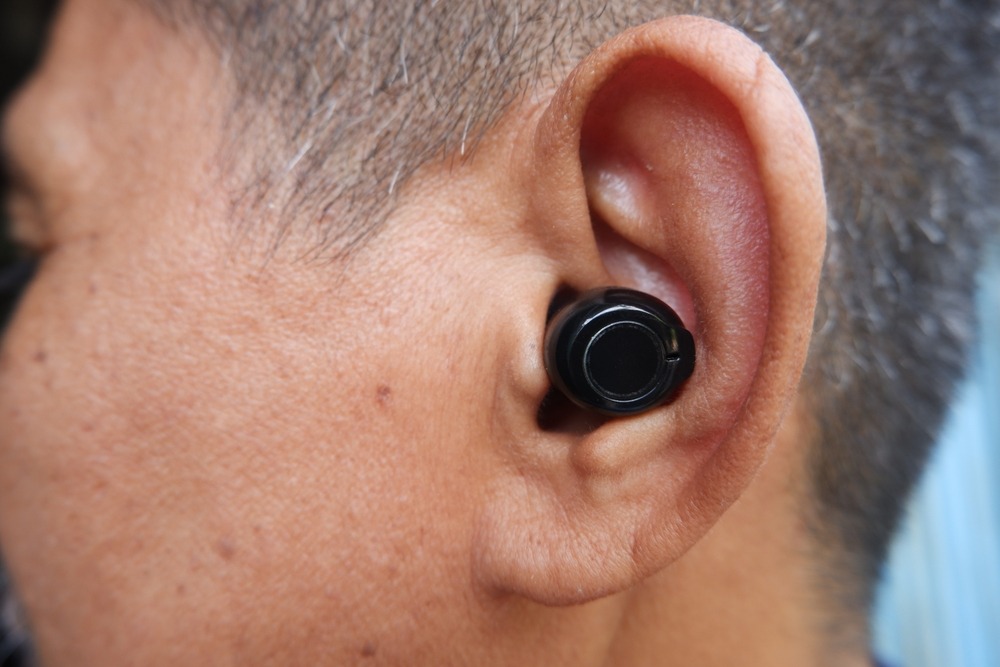
Why Call Quality Often Lags Behind Music Quality
Call quality typically trails music quality due to hardware constraints. The mics in modern buds face inherent compromises: engineers prioritize immersive audio and battery efficiency, leaving the microphone as a miniaturized afterthought. Environmental factors like wind and background noise easily overwhelm these tiny sensors. Distance from your mouth further degrades the signal. The result is a fundamental engineering trade-off, not a simple software fix.
Beamforming Mics and Noise Reduction for Calls
Better models use multiple mics with beamforming to focus on your voice and filter out junk. Check reviews specifically mentioning call quality if you take lots of calls.
8. The Companion App
Customization Hub: EQ, Controls, and Firmware Updates
Apps let you tweak EQ, remap controls, and update firmware. Brands like Sony and Jabra nail this. Budget brands? Hit or miss.
Find My Earbuds Feature: A Potential Lifesaver
Lost a bud in your couch cushions? “Find My” features ping them or show last known location. Game-changer for the forgetful.
FAQ
What is the most important factor when choosing wireless earbuds?
Forget specs for a second. The absolute deal-breaker for wireless earbuds is fit. Period. You can have mind-blowing audio, but it’s worthless if the bud is dangling from your ear during a jog or digging into your canal. That discomfort becomes all you can think about.
The fix isn’t just guessing. You need to experiment – most brands include multiple silicone or foam ear tip options. Try every single size and styles, like fins or hooks if provided. A proper seal isn’t just about security; it directly boosts bass response and noise isolation. It’s the foundation. Everything else is secondary. Get this right first, or you’re just wasting money.
How much should I spend on good wireless earbuds?
Aim for a sweet spot between eighty and a hundred fifty dollars. In that range, you skip crazy brand tax without buying junk. You’ll land solid ANC that tangibly quiets a commute. Battery life lasts a full workday. Connectivity is reliable. This price benchmark is where tech gets good and hype stays reasonable. Pay less, and you sacrifice cornerstone features. Pay more, and you’re often just polishing a spec sheet for a slightly better soundscape.
Are more expensive earbuds always better?
Not necessarily. Diminishing returns hit hard above $200. That extra money often buys you fancy materials, a logo, and tweaks only an audiophile might notice. Many mid-tier models genuinely punch above their weight, delivering crisp sound and solid features without the luxury tax.
How do I know if wireless earbuds will fit my ears comfortably?
Figuring out if earbuds fit comfortably is a tactile, personal puzzle. First, strategy: only buy from major retailers with painless returns. Then, the real test. Wear them for a solid thirty minutes while moving – walking, chewing, turning your head. Discomfort isn’t just sharp pain; assess persistent pressure, that subtle urge to readjust, or the dread of them slowly working loose. If any of that hits, send ’em back. It’s a fit issue, not a failure.
Is Active Noise Cancellation (ANC) worth it?
Active Noise Cancellation (ANC) is a game-changer for specific scenarios. If you commute on roaring subways or buses, fly often through constant cabin drone, or work in loud spaces like open offices, it’s worth every penny. ANC doesn’t just lower volume – it reduces the mental fatigue of tuning out that relentless background rumble.
But for quiet environments? Skip it. At home or in a library, advanced passive isolation from well-sealed earcups works perfectly. You’re paying for tech you’ll rarely trigger. The value isn’t universal; it’s dictated by your daily acoustics.
About the Author